 fal · Bridgehead
 Bridgehead
fal × Claude · ChatGPT
fal, right in your chat.
Upload, see, keep.
Images · Editing · Video · Audio · Upscaling · Uploads · Carbon Copy · Wizards · Gallery · Your key
Making pictures and video with fal in a chat means getting your photos to fal and seeing what comes back. fal · Bridge puts an upload box and a viewer right in Claude's chat, keeps your fal key in Bridgehead's vault, and shares one Bridgehead account with every other provider you connect.
What it can do
Wizards. Guided, start to finish.
Short guided tools that take an idea to a finished result.
 Live
Carbon Copy
Put yourself into a picture you love.
 Available
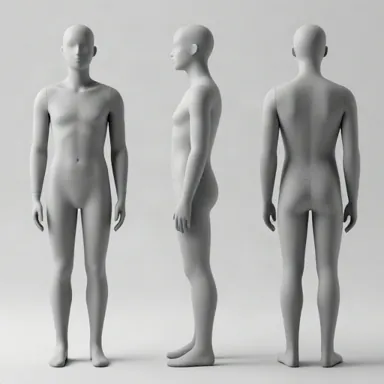
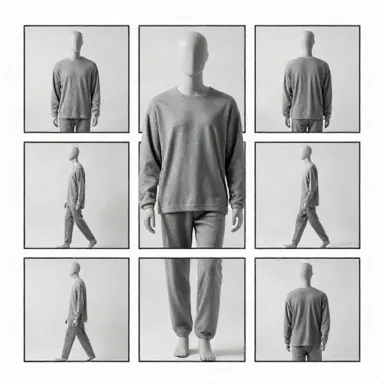
Character Creator
Design a person once, use them everywhere: a turnaround sheet from a few answers.
 Coming soon
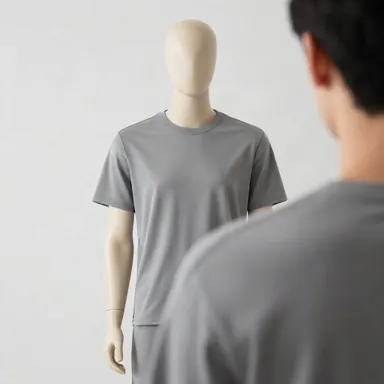
Location Creator
Make a place once, empty and lit the same way, and use it in every shot.
 Available
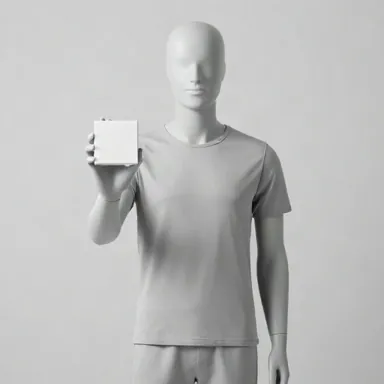
Shot Sheet / Multi-Shot
One scene, every camera angle, on one sheet.
 Coming soon
UGC Studio
A product photo in, a talking-avatar ad out.
 Coming soon
Storyboard
A whole idea as a board of key frames in minutes.
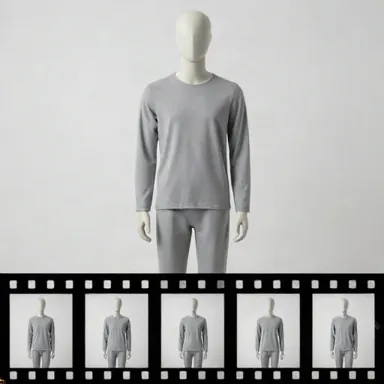 Coming soon
Clips to Story
Your clips, cut into one narrated story.
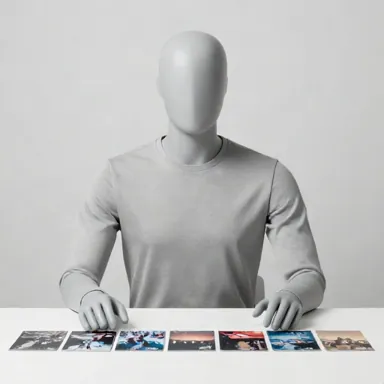 Coming soon
Story Engine
From an idea to scenes, shots and a finished cut.
Carbon Copy. Be in the shot.
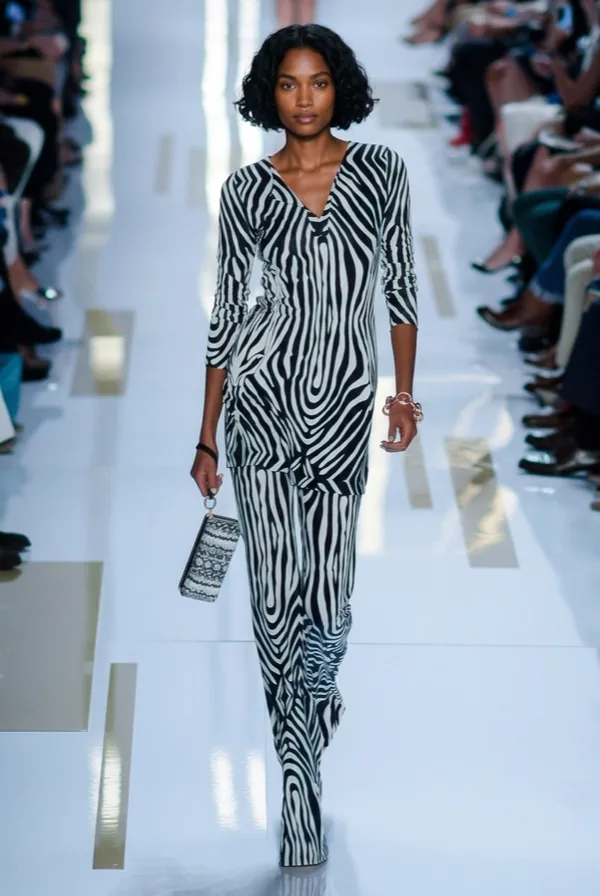
Pick a picture you love: a fashion shot, an ad, a scene. Add your own photo. Tap one of the ideas, or say your own. It recreates the shot with you in it.
Choose Exact (same pose and place), Similar, or Inspirational. Keep your own outfit, or wear the original's.
A real one
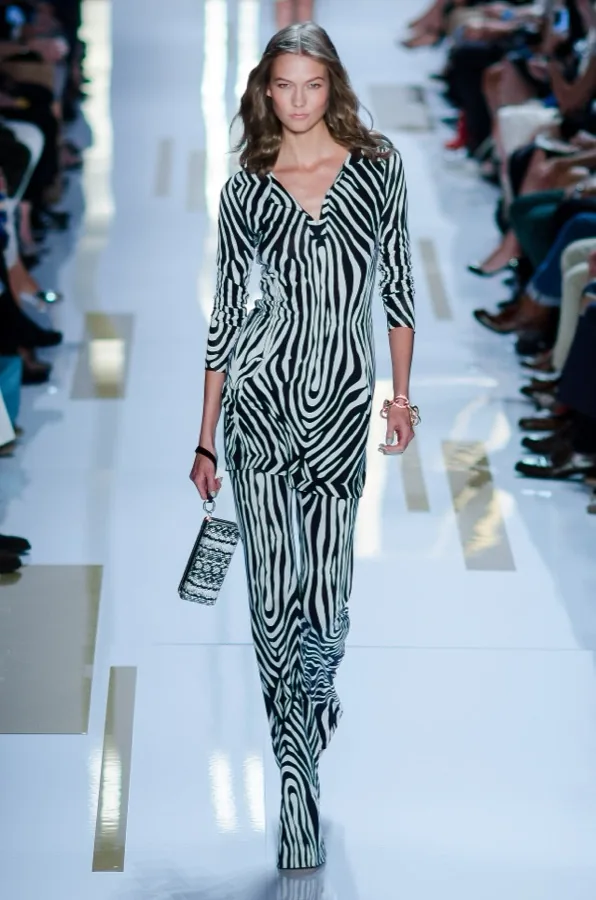

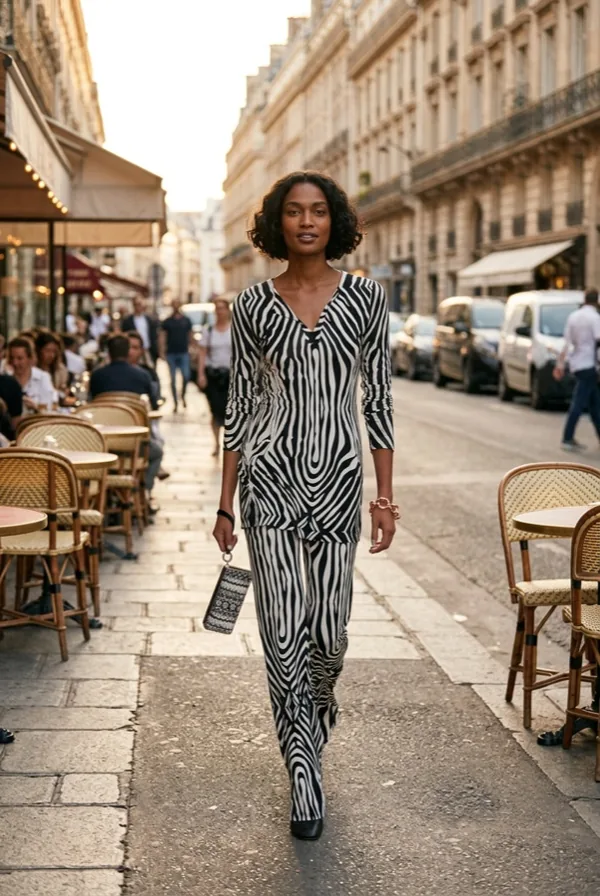
Original: Diane von Furstenberg, Spring 2014, look 04. Photo by Christopher Macsurak, CC BY 2.0, via Wikimedia Commons. Licence: https://creativecommons.org/licenses/by/2.0/
The person is a made-up test model, not a real one.
What to say
Carbon Copy this picture with me in it.
Recreate this ad with my photo, keep my own outfit.
Make a copy of this shot, but I don't have a photo: a woman in her thirties with short curly hair.
What a run costs
Roughly this much a picture. Writing the prompt costs nothing extra. You pay fal directly, from your own key.
- Nano Banana 2.1 (the default)about 5 cents
- GPT Image 2.5about 7 cents
- Nano Banana Proabout 15 cents
No photo?
Describe the person: age, hair, build. It makes a person first (about 4 cents more), then the copy.
Copy. Paste. Connected.
How to connect it
MCP server
The address to paste into each app, or its one-line command. It's the same connector everywhere.
Claude
claude.ai, the desktop app or the phone: Customize → Connectors → Add → Custom connector, then paste this.
https://falbridge.fyi/mcpClaude Code
One line in your terminal.
claude mcp add --transport http falbridge https://falbridge.fyi/mcpChatGPT
In settings, turn on developer mode and add a custom app with this address.
https://falbridge.fyi/mcpCodex
One line in your terminal; it asks you to sign in.
codex mcp add falbridge --url https://falbridge.fyi/mcpAny other MCP app
Cursor, VS Code, Windsurf, Zed, n8n and more: add this address as a remote MCP server and sign in when asked.
https://falbridge.fyi/mcpYour fal key
Sign in when your chat asks, then add your fal API key once. You pay fal directly.
Keys it uses: your fal.ai key; your Anthropic key, to write Carbon Copy's prompts; your Gemini key, for Carbon Copy's prompts and videos. A key already in your Bridgehead vault is used as it is: one tap, nothing to paste twice.
Add your fal keyQuestions
What can I do with fal · Bridge?
Run any model on fal from your chat: images, editing, video, audio and upscaling. Drop your own photos into the upload box to edit them, see what comes back in the chat, and find every result kept in your Bridgehead gallery with its prompt and model, to download or use again as an input.
Doesn't fal have its own Claude connector?
Yes: add https://mcp.fal.ai/mcp-relay as a custom connector and sign in with fal. fal · Bridge is for more in the chat: an upload box for your photos, a viewer for what comes back, and one Bridgehead account for every provider you connect.
Is my fal API key safe?
It's kept encrypted in Bridgehead's vault and used only to call fal for you. You pay fal directly; remove the key at any time at falbridge.fyi/key.
Which fal models can I use?
Any model on fal: image generation and editing, video, audio and upscaling.